
Download Mssg me – Free universal social media linking tool
Overview
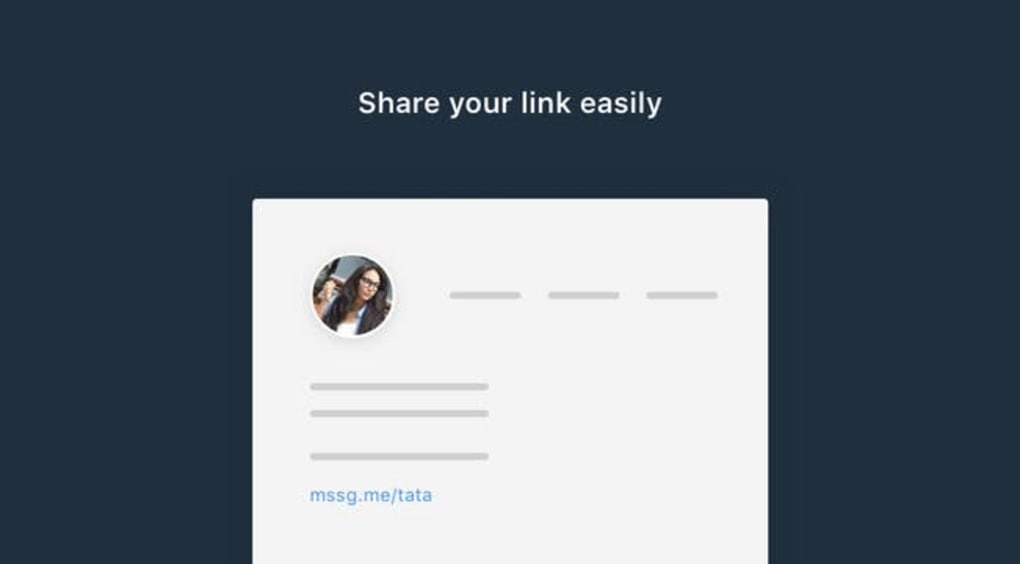
In today’s hyper‑connected world, having a single, clean link that routes messages to every social platform you use can feel like a superpower. Mssg me delivers exactly that: a free, universal social media linking service that creates a short, memorable URL (for example, mssg.me/adam) and instantly presents visitors with a list of all the messaging apps where you can be reached. Whether you’re a freelancer, a small business, or just someone who wants to keep a tidy bio, Mssg me eliminates the clutter of dozens of separate links and replaces it with one elegant shortcut.
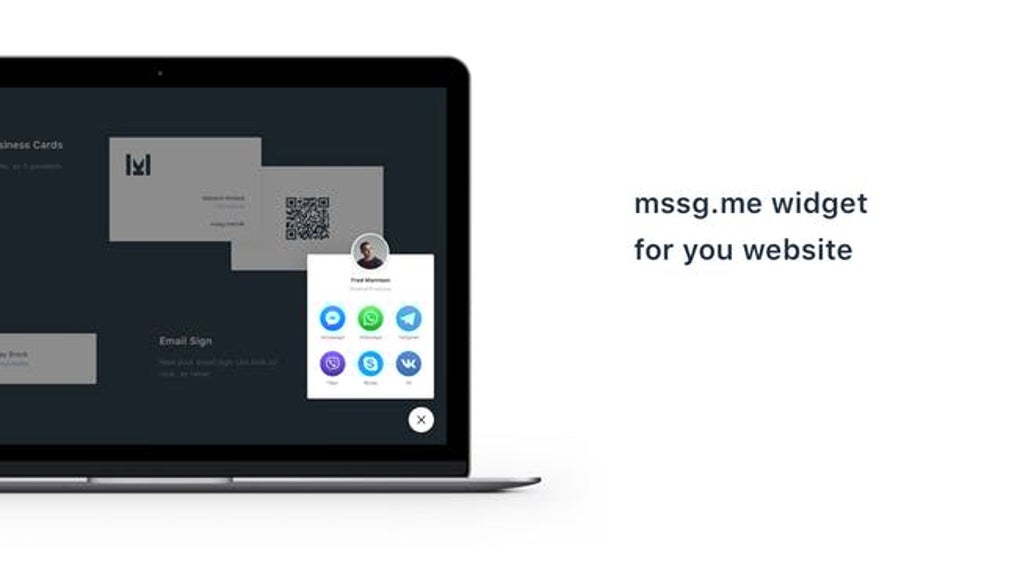
The service works by converting your chosen identifier into a landing page that displays every supported platform – from WhatsApp and Telegram to Skype and Discord – allowing the sender to pick their preferred channel and type a quick message. Although the biggest social networks like Facebook Messenger and Instagram Direct aren’t yet supported, the range of options is still broad enough to cover most professional and personal communication needs. The platform is entirely web‑based, requires no installation, and the basic tier remains completely free, making it an ideal first point of contact for anyone looking to streamline their online presence.
Features, Installation & Usage
Key Features
- Free to create and share unlimited short links.
- Unified landing page that lists all supported messaging apps.
- Customizable identifier (e.g.,
mssg.me/yourname). - Responsive design works on desktop, tablet, and mobile browsers.
- No app download required – all actions happen in the browser.
- Secure HTTPS connection protects user data.
- Analytics dashboard (available in premium tier) to track clicks.
- Automatic QR‑code generation for offline sharing.
Step‑by‑Step Installation & Usage Guide
Getting started with Mssg me is intentionally frictionless. First, navigate to mssg.me on any device. The homepage greets you with a simple form: enter your desired username or alias, then click “Create Link.” Within seconds, the platform generates a unique URL that you can copy to your clipboard. For added branding, you can customize the display name that appears on the landing page, and even upload a small avatar that will show beside each messaging option.
Once your link is ready, embed it wherever you need a contact point – in an email signature, a LinkedIn bio, a printed business card (via the QR code), or any social media profile. When a visitor clicks the link, they are taken to a clean, mobile‑optimized page that lists all supported messaging services. The interface groups platforms by type (instant messengers, VoIP, social apps) and highlights the most popular options at the top. Selecting a service opens the native app (if installed) or redirects to the web version, pre‑filled with your identifier so the sender can type a message immediately. The entire flow feels seamless, reducing the friction that typically causes prospects to abandon a contact attempt.
For power users, the premium tier adds features like custom domain mapping (e.g., contact.yourbrand.com), detailed click‑through analytics, and priority support. However, the free tier already covers the essential workflow for most individuals and small teams, making Mssg me a cost‑effective solution for anyone who wants a tidy, universal contact link.
Compatibility, Pros & Cons
Because Mssg me is a web‑based service, it works across all major operating systems and browsers. The landing page automatically detects the visitor’s device and presents the appropriate app links, ensuring a smooth experience on Windows, macOS, Linux, Android, and iOS. No additional software installation is required, and the service respects the native behavior of each platform – for instance, tapping a WhatsApp link on Android opens the app directly, while on a desktop it launches WhatsApp Web.
Supported operating systems: Windows 10+, macOS 10.13+, Linux (any modern distro), Android 6.0+, iOS 11+
Pros
- Completely free for unlimited link creation.
- Reduces bio length and visual clutter.
- Instant, no‑install setup – just a URL.
- Responsive design works on any device.
- Secure HTTPS connection protects user data.
- QR‑code generation simplifies offline sharing.
Cons
- Major platforms such as Facebook Messenger and Instagram Direct are not yet supported.
- Advanced analytics and custom domain features require a paid upgrade.
- Reliance on third‑party apps means occasional redirection delays.
- No native desktop application – everything is browser‑based.
FAQ & Conclusion
Is Mssg me really free?
Yes. Creating and sharing an unlimited number of short links is completely free. Premium features like custom domains and detailed analytics are optional and require a paid subscription.
Which messaging platforms are supported?
Mssg me currently supports WhatsApp, Telegram, Signal, Viber, Skype, Discord, Slack, WeChat, Line, and several others. Major platforms such as Facebook Messenger and Instagram Direct are on the roadmap but not yet available.
Do I need to install any software?
No. Mssg me is entirely web‑based. All you need is a modern browser and an internet connection to create and use your link.
Can I track how many people click my link?
Basic click counts are visible in the free dashboard. For in‑depth analytics (geolocation, device breakdown, time‑of‑day), you’ll need to upgrade to the premium plan.
Is the service secure?
All links are served over HTTPS, ensuring encrypted communication between the visitor’s browser and Mssg me’s servers. The platform does not store message content; it merely redirects users to the chosen app.
Final Thoughts
If you’re tired of juggling dozens of social media URLs and want a single, tidy link that lets contacts reach you on their preferred platform, Mssg me is a smart, free solution. Its intuitive setup, cross‑device compatibility, and secure design make it an excellent addition to any professional bio, email signature, or printed material. While the absence of a few heavyweight messaging services may be a minor inconvenience, the breadth of supported apps covers most everyday communication needs. For freelancers, small businesses, or anyone who values a clean digital footprint, adopting Mssg me can streamline outreach, boost response rates, and present a polished, modern brand image.
Ready to simplify your contact strategy? Create your free Mssg me link now and start sharing a single, memorable URL that opens the door to all your messaging channels.



.png)



